Common Email Mistakes English Speakers Make (and How to Fix Them!)
As a native Hindi speaker learning and using English extensively, you've probably mastered the grammar and vocabulary. But when it comes to written co
ILoveEmails Team··7 min
# Common Email Mistakes English Speakers Make (and How to Fix Them!)

As a native Hindi speaker learning and using English extensively, you've probably mastered the grammar and vocabulary. But when it comes to written communication, especially email, there are subtle nuances that can make or break your message. English, especially in professional settings, relies on a specific register and clarity that differs from the more indirect or elaborate communication styles sometimes found in Hindi. Avoiding common email pitfalls will not only help you sound more professional but also ensure your message is understood clearly and efficiently.

Many English speakers, even fluent ones, struggle with crafting effective emails. They might be overly formal, leading to awkward or stilted communication. They might use unclear subject lines, causing their emails to be overlooked. Or they may overuse Cc and Bcc, frustrating recipients and cluttering inboxes. This blog post dives deep into these common mistakes and provides practical solutions with clear examples to help you write impactful and professional emails in English. Let's ditch the outdated email habits and embrace a more modern, effective approach to email communication!

So, let's get you from "okay" emails to outstanding ones. Here are some common mistakes to avoid, along with examples of how to do it right:

## Common Email Mistakes and How to Fix Them

Here are five common email mistakes English speakers often make, along with examples of what *not* to do and how to improve.

**1. Overly Formal and Stilted Language**

Many English learners err on the side of extreme formality, fearing being perceived as rude or disrespectful. However, excessive formality can sound unnatural and even condescending in modern email communication.

*   **Wrong:** "Dear Sir/Madam, I am writing to you in reference to your esteemed advertisement for the aforementioned position."

*   **Correct:** "Hi [Name], I'm writing to you regarding the [Position Name] advertisement." or "Dear [Mr./Ms./Mx. Last Name], I'm writing to you about the [Position Name] position."

**Explanation:** The "Dear Sir/Madam" is outdated unless you truly don't know who you're addressing. Using specific names is much more personal and effective. The phrase "aforementioned position" is overly formal and unnecessary. Simpler language is always better. Using "Dear" followed by the appropriate title (Mr., Ms., Mx.) and last name maintains a level of respect while staying professional.

**2. Unclear and Vague Subject Lines**

Subject lines are crucial! They determine whether your email gets opened. Vague or generic subject lines often lead to your message being ignored or deleted.

*   **Wrong:** "Important" or "Inquiry"

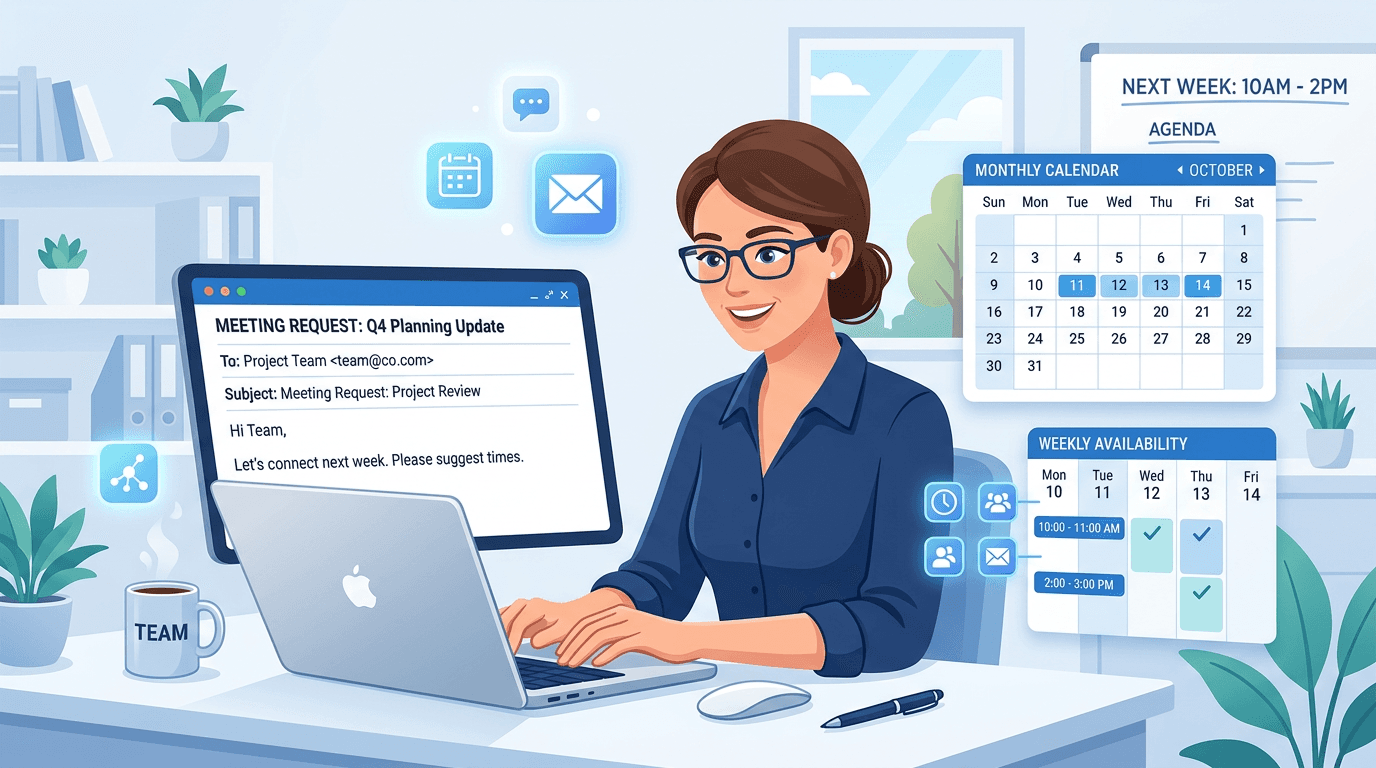
*   **Correct:** "Follow-up: Project Proposal - [Your Name/Company Name]" or "Question about [Specific Product/Service] - Urgent" or "Meeting Request: [Project Name] - [Date/Time Suggestion]"

**Explanation:** The subject line should quickly and clearly convey the email's purpose. Including keywords, the subject matter, and urgency (if applicable) will help the recipient prioritize your message. Specificity is key!

**3. Excessive Use of 'Cc' and 'Bcc'**

Using Cc (carbon copy) and Bcc (blind carbon copy) indiscriminately can irritate recipients, clutter inboxes, and even raise privacy concerns.

*   **Wrong:** Cc'ing your entire team on a simple reply or Bcc'ing a huge distribution list to avoid replies.

*   **Correct:** Cc only those who *need* to be directly involved or informed about the email's content. Use Bcc *sparingly* when you need to protect the privacy of recipients or when you're sending a one-way announcement to a large group. Consider using group email distribution lists instead of Bcc when appropriate.

**Explanation:** Cc should be used when others directly contribute to the content or are responsible for associated tasks. Bcc should be used to protect privacy (e.g., sending an email to a large group without revealing everyone's addresses to each other) or in rare cases where a recipient *needs* the information but doesn't need to actively participate in the conversation. Overusing Cc feels like unnecessary bossiness, while overusing Bcc suggests a lack of transparency.

**4. Not Proofreading Before Sending**

Even minor grammatical errors or typos can undermine your credibility. Always proofread your emails before hitting send.

*   **Wrong:** Sending an email with several spelling errors and grammatical mistakes without a second look.

*   **Correct:** Read your email aloud or use a grammar checking tool like Grammarly or ProWritingAid. Ask a trusted colleague to proofread important emails.

**Explanation:** Small errors can easily slip through. Proofreading ensures that your message is clear, professional, and doesn't contain any embarrassing mistakes. Using grammar and spell check tools can catch errors you might miss yourself.

**5. Using Inappropriate Tone and Emoji Usage**

Professional emails require a certain level of decorum. Casual language and excessive use of emojis can be perceived as unprofessional, especially when communicating with senior colleagues or external clients.

*   **Wrong:** "Hey dude! Just wanted to check in on that thing. 😉" or using excessive emojis in a formal client communication.

*   **Correct:** "Hi [Name], I'm following up on the [Project Name] project." or "Dear [Mr./Ms./Mx. Last Name], I hope this email finds you well. I am writing to follow up on the status of the [Project Name] project." Restrain emoji use to internal team communications and even then, do so sparingly.

**Explanation:** The tone should be appropriate for the recipient and the context. While emojis can add personality to informal communication within a team, they are generally inappropriate for formal communication with clients, senior management, or those outside your immediate circle. Avoid slang and overly casual language.

## Quick Tips for Polished Email Communication

Here are some quick and actionable tips to enhance your email writing skills:

*   **Know Your Audience:** Adapt your tone and language to suit the recipient. A message to a close colleague will differ significantly from a message to a potential client.
*   **Keep it Concise:** Get straight to the point and avoid unnecessary jargon. People are busy, so make your message easy to read and understand quickly.
*   **Use Bullet Points and Paragraph Breaks:** Break up large blocks of text to improve readability. Use bullet points to list key information clearly and concisely.
*   **End with a Clear Call to Action:** Tell the recipient what you want them to do next.  This could be replying, attending a meeting, or reviewing a document.
*   **Always Include a Professional Signature Block:** Your signature should include your name, title, company, and contact information.

## Practice Exercise

Let's put what you've learned into practice:

**Bad Email Example:**

Subject: Follow Up
Hey,

Just checking up on the thing. Any updates?

Thx,
[Your Name]

**Corrected Email Example:**

Subject: Follow-up: [Project Name] - Status Update Request

Hi [Recipient Name],

I hope you're doing well.

I'm writing to follow up on the [Project Name] project. Could you please provide an update on the current status and estimated completion date?

Thank you for your time and attention to this matter.

Best regards,

[Your Name]
[Your Title]
[Your Company]
[Your Contact Information]

**Explanation:** The corrected email includes a specific subject line, a polite greeting, a clear request for information, and a professional closing. The tone is appropriate for a professional setting.

## Conclusion

Mastering email communication is a vital skill for any English speaker, especially in a professional context. By avoiding these common pitfalls and implementing the tips provided, you can write clear, effective, and professional emails that reflect positively on you and your work. Remember, practice makes perfect.

Now, go forth and write emails that get results! And don't forget to **share this post with your friends and colleagues who might benefit from these tips!**